YOUR WALLET · YOUR REWARDS
Nails Queen Rewards
Scan. Sign in. Keep your rewards close.
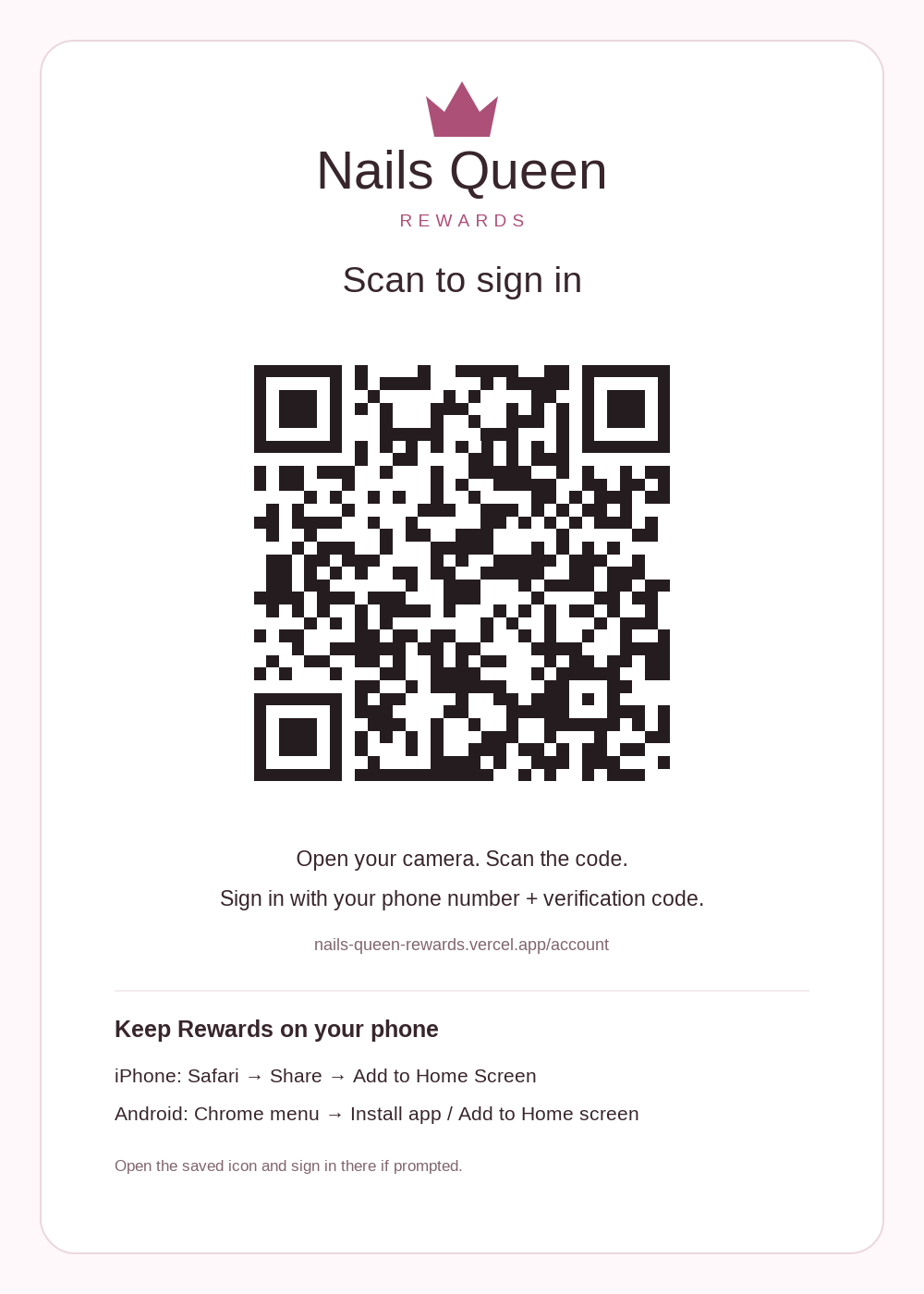
Scan to sign in
Open your phone camera and point it at this code.

nails-queen-rewards.vercel.app/account
Open Rewards & Sign In- Open the link from your camera.
- Enter your mobile number and the verification code sent to you.
- Save Rewards to your Home Screen for your next visit.
Keep Rewards on your phone
iPhone / iPad: Open Rewards in Safari. Tap Share → Add to Home Screen → Add.
Android: Open Rewards in Chrome. Tap “Add Rewards to Your Phone” when offered, or use the browser menu → Install app / Add to Home screen.
Open the saved icon and sign in there if prompted. An internet connection is required to check your wallet.